
Blog
Does Email Warm Up Work? What It Fixes, What It Can't, and Who Can Skip It
Does email warm up work? See what warmup fixes, what it can't, who can skip it and what happens if you stop, using 2025 and 2026 provider and benchmark data.

Compare the best email deliverability tools for cold outreach: pre-send authentication testing, warmup that builds sender reputation, and inbox placement monitoring.
Does email warm up work? See what warmup fixes, what it can't, who can skip it and what happens if you stop, using 2025 and 2026 provider and benchmark data.

How to warm up email in four weeks: setup order, a week-by-week schedule, stop-and-hold limits and a realistic date for your first cold campaign.
Your domain landed on a blacklist after a volume jump. Learn how to check Spamhaus, submit removal requests, and rebuild sender reputation step by step.
Request a quote and our experts will contact you within 24 hours with tailored solutions and pricing.
You can also send us a quick email at support@skale.email.
skale.email
Last updated: Oct 13, 2026
By Carlos Aguero, Chief Sales Officer, skale.email
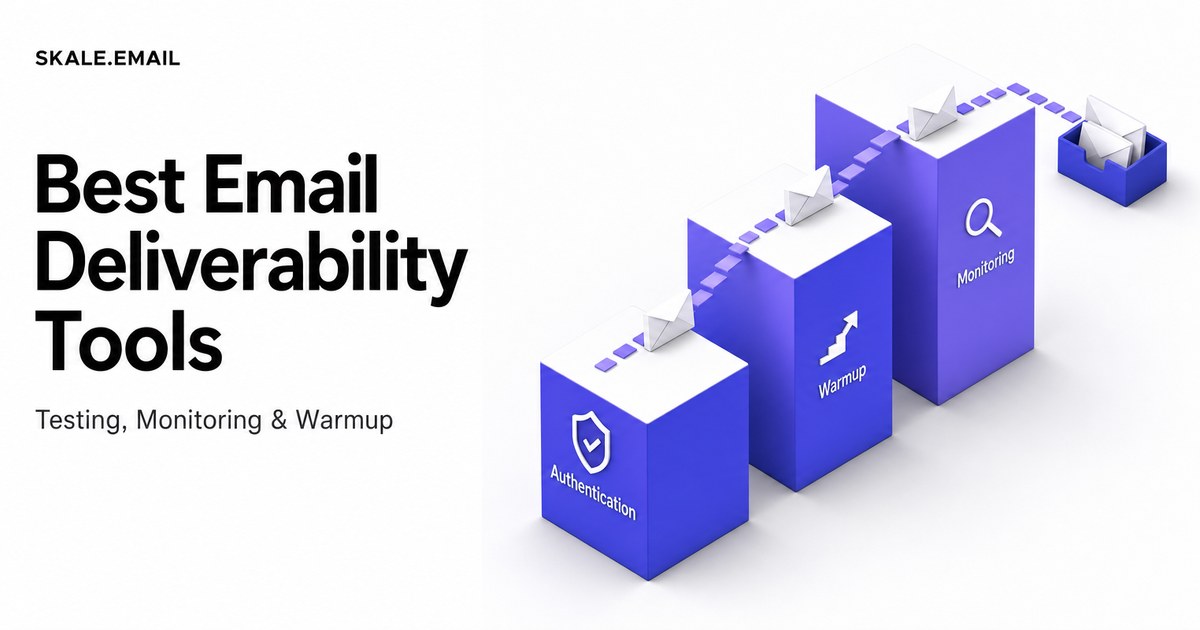
The best email deliverability tools for cold outreach are software products covering three distinct jobs: pre-send authentication testing, mailbox warmup to build sender reputation, and inbox placement monitoring after campaigns launch. None of those jobs is handled by a sequencer alone.
Most teams spend their budget on a sequencer and assume deliverability comes with it. It does not. A sequencer schedules and sends outbound emails to prospects. It does not check whether your SPF (Sender Policy Framework) record is broken, build the sending history that ISPs need before they trust your domain, or tell you how much of last week's outreach actually reached the inbox.
This guide covers all three stages: which tool categories solve which problem, how to evaluate any deliverability product before you buy, and how to layer a complete cold outreach deliverability stack without replacing the tools you already use.
Key Takeaways
- The best email deliverability tools for cold outreach fall into three categories: pre-send testers, warmup engines, and inbox placement monitors. A complete stack needs all three.
- A sequencer handles prospect sends. A dedicated warmup tool handles sender reputation. These are different jobs, and the same tool rarely does both well.
- Yahoo's updated bulk-sender best practices (Yahoo Sender Best Practices, 2024, accessed October 2026) require authenticated sending for bulk volume. Google and Microsoft tightened equivalent requirements in early 2024. Broken authentication records now fail more visibly and more often.
- Warmup improves sender reputation, but skale.email's published guidance is clear: it cannot substitute for clean list quality or relevant copy. Deliverability tools are infrastructure, not a cure for bad outreach fundamentals.
- Senders who send fewer than ten cold emails per day from an established mailbox often do not need a dedicated tool. New domains and higher volume do.
Email deliverability tools are software products that measure, protect, and improve the likelihood that a sent email reaches the recipient's inbox rather than the spam folder or a block. Cold outreach needs its own dedicated stack because a fresh sending domain carries no sending history, and ISPs treat unknown senders as risky by default. A sequencer handles prospect sends but does not build sender reputation, fix broken authentication records, or confirm mailbox health before the first campaign goes out.
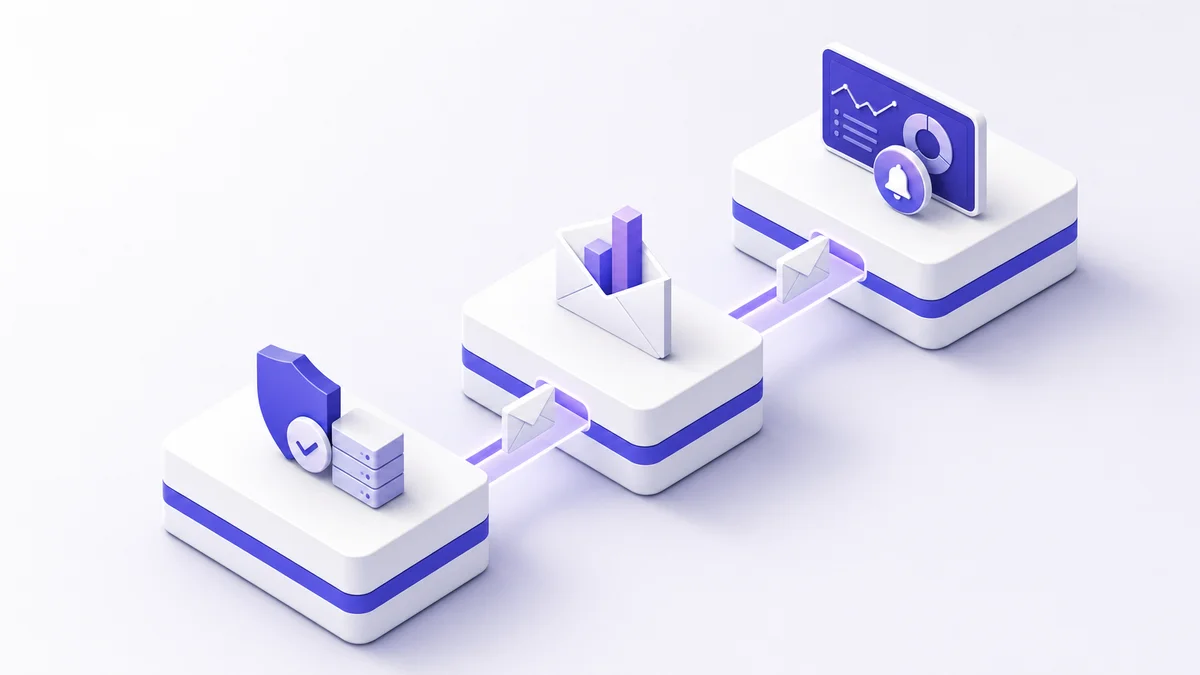
The problem has three distinct stages. Each stage needs a different kind of tool.
Stage 1: Before you send. Your domain and mailbox need to pass a set of technical checks. If SPF is misconfigured, receiving servers cannot confirm you are authorized to send from your domain. If DKIM (DomainKeys Identified Mail) is missing, your messages carry no cryptographic signature. If DMARC (Domain-based Message Authentication, Reporting and Conformance) has no published policy, providers have no instruction for what to do when your messages fail authentication. These are pre-send problems. A testing tool catches them.
Stage 2: The warmup period. A new domain has no sending history. ISPs treat it as an unknown quantity and filter aggressively. Email warmup is a structured process of sending gradually increasing volumes of human-paced email from a new or cold mailbox, generating replies, to build sender reputation with ISPs before real campaigns begin. This job belongs to a dedicated warmup engine, not a sequencer.
Stage 3: Ongoing monitoring. Once campaigns are live, you need to know whether sends are reaching the inbox, landing in spam, or being blocked. Inbox health monitors catch reputation degradation early, before it compounds into a blacklist entry or a domain rebuild.
skale.email organizes these three stages into what we call the Three-Layer Cold Outreach Deliverability Stack: Layer 1 is authentication testing, Layer 2 is the warmup engine, and Layer 3 is inbox placement monitoring. The sequencer sits on top of all three and sends to prospects only after the foundation is in place. Any tool you evaluate should be assessed against which layer it covers and which layers it leaves to you.
skale.email's observation: A sequencer is not a deliverability tool. It is the top layer of the stack. Teams that conflate the two discover the gap when their first campaign lands in spam, not before. (skale.email)
Bundled warmup is a warmup feature built into a cold-email sequencer as a secondary capability. Most sequencers include one. The limitation is straightforward: warmup is not what those tools are selling. Bundled warmup typically offers a single ramp strategy, English-only content, and no per-mailbox health dashboard. It also ties your warmup to one sequencer's ecosystem. That creates a problem when you switch tools or manage multiple client accounts.
A dedicated, tool-agnostic warmup and deliverability product works underneath any sequencer. It covers the health monitoring that bundled features leave out.
An email deliverability testing tool checks the technical signals a mailbox or domain sends to receiving servers before any campaign email goes out, so problems are caught rather than discovered after sends are wasted. The most actionable pre-send tests cover SPF, DKIM, DMARC, MX records, reverse DNS, and blacklist status. Yahoo's updated bulk-sender best practices (Yahoo Sender Best Practices, 2024, accessed October 2026) require authenticated sending for any bulk volume, and Google and Microsoft tightened equivalent requirements in early 2024.
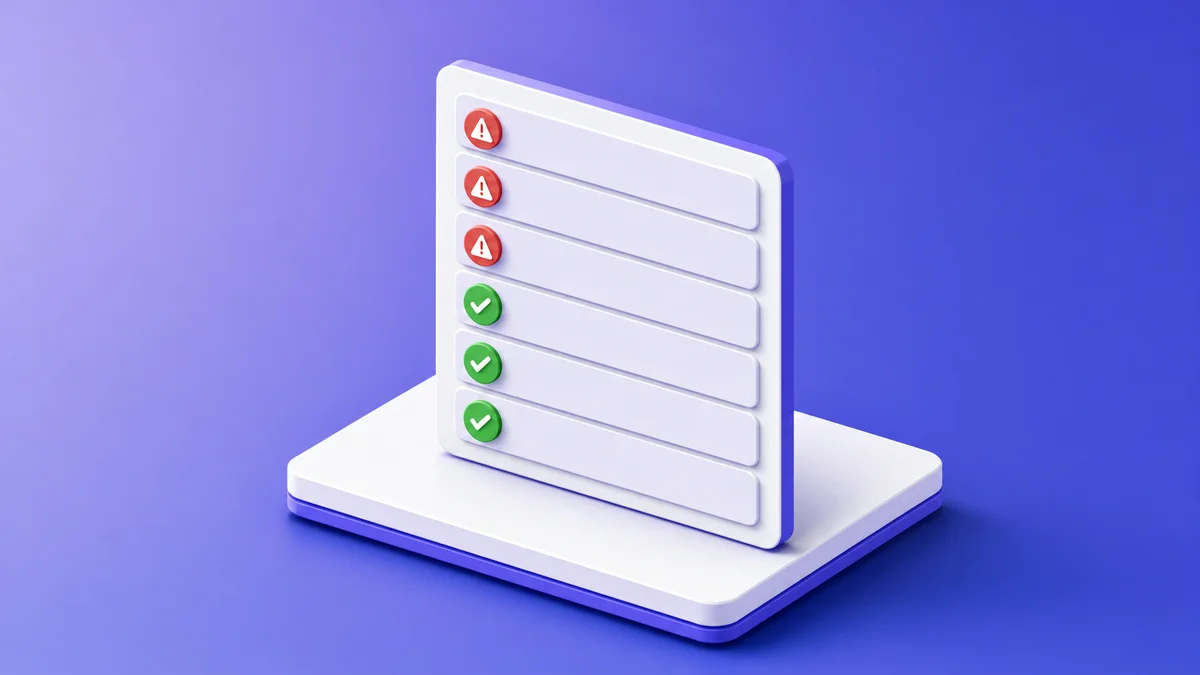
The practical result for cold outreach is direct. Senders without a valid SPF record, a working DKIM signature, and a published DMARC policy now encounter more rejections and more spam-folder placements than before these updates took effect.
skale.email's observation: Teams that skip pre-send authentication checks often spend their first two to three weeks rebuilding reputation rather than generating pipeline. skale.email's site copy frames this plainly: teams lose weeks rebuilding reputation after a bad first send. The fix is catching authentication problems before the first email leaves the mailbox. (skale.email)
| Check | What it verifies | Failure consequence |
|---|---|---|
| SPF (Sender Policy Framework) | Your domain's DNS authorizes the sending server | Emails fail authentication; may be rejected or marked spam |
| DKIM (DomainKeys Identified Mail) | A cryptographic signature proves message integrity | No signature validation; spam filters treat the message as higher risk |
| DMARC (Domain-based Message Authentication, Reporting and Conformance) | A published policy governs authentication failures | Providers have no policy to follow; failure reporting is blind |
| MX record | Mail server routing is correctly configured | Replies fail; domain looks misconfigured to receiving servers |
| rDNS (reverse DNS) | Sending IP resolves back to a matching hostname | Receiving servers treat the IP as suspicious |
| Blacklist status | Sending IP and domain are not on major block lists | Emails are blocked at the gateway before reaching any filter |
A useful pre-send testing tool runs all six checks and returns actionable results. Knowing that your DMARC record has a p=none policy means providers report failures but take no action. That distinction matters when authentication failures are silently costing you inbox placement.
A testing tool earns its place in the Three-Layer Cold Outreach Deliverability Stack when it:
Pre-send testing is not a one-time setup check. DNS records can drift when a team changes sending infrastructure, migrates mailboxes, or adds a new sending domain for a new market. Running a health check before every major campaign launch is a sound default practice.
Tools that raise inbox placement rate are warmup engines: they send a growing volume of human-paced emails, generate threaded replies, and build the positive sending history that ISPs use as a reputation signal. Monitoring tools measure where emails land but cannot change it. Effective improvement requires warmup first, then monitoring to confirm results. skale.email's published guidance notes that warmup improves reputation but cannot substitute for clean list quality or relevant copy.

Inbox placement rate is the percentage of sent emails that land in the recipient's primary inbox rather than the spam folder, promotions tab, or a block. It is measured either against seed addresses (known mailboxes at major providers) or inferred from engagement signals on real sends.
skale.email's observation: Skipping warmup on a new domain is one of the most common reasons cold outreach fails before it starts. Teams lose weeks rebuilding reputation after a bad first send. Warmup is the mechanism that prevents that outcome by building sending history before any real prospect sees your name. (skale.email)
A warmup engine sends emails between mailboxes inside a warmup network. It receives replies. It marks messages as important. This creates the pattern ISPs use to distinguish legitimate senders from bulk sources: consistent volume growth, reply engagement, and no sudden spikes.
The mechanisms that move inbox placement rate upward are:
That boundary is honest and important: warmup addresses reputation. It does not fix a broken list or rewrite copy that reads like spam. DMARC.org's overview (last reviewed 2024, accessed October 2026) and DKIM.org (accessed October 2026) both detail how authentication signals layer underneath reputation. Warmup only helps when authentication is already in order.
Inbox placement monitoring is the ongoing measurement of where sent emails land across major providers. Monitoring tools use seed accounts at Gmail, Outlook, Yahoo, and others, then report what percentage of sends reached the primary inbox, spam, or were blocked.
Monitoring is essential once campaigns are live, but it is diagnostic, not corrective. If monitoring reveals a placement problem, the fix is warmup, authentication repair, or list hygiene. More monitoring alone changes nothing.
| Capability | Warmup engine | Inbox placement monitor |
|---|---|---|
| Builds sender reputation | Yes | No |
| Fixes authentication failures | No (detects, does not repair DNS) | No |
| Measures inbox vs. spam split | Limited (via spam recovery detection) | Yes, against seed accounts |
| Catches blacklist entry | Via health checks, not warmup alone | Yes |
| Acts before campaign sends | Yes | No (needs sends to measure) |
| Continues during live campaigns | Yes, alongside sequencer | Yes |
The practical answer: a warmup engine is what you need when inbox placement rate is low or when a domain is new. A monitoring tool confirms warmup is working and catches future degradation early. A complete stack needs both.
No single sending tool controls inbox placement, because ISPs, not vendors, decide where email lands. The tool with the best deliverability outcomes is the one paired with the strongest sender infrastructure: authenticated SPF, DKIM, and DMARC records, a warmed domain, consistent sending volume, and clean list quality. A dedicated warmup tool builds that infrastructure before campaigns start. A pre-send health check confirms it is in place, regardless of which sequencer sends the actual outreach.
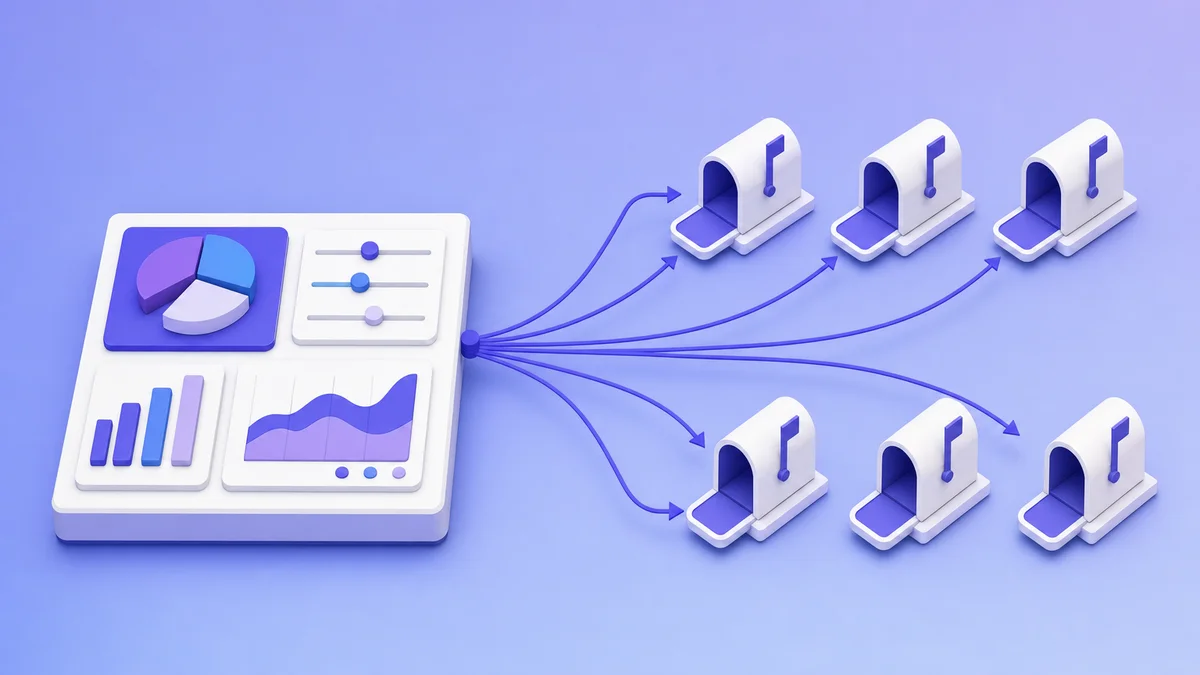
This question often appears as a search for a "best deliverability sequencer." Sequencers and deliverability tools are different layers of the stack. A sequencer sends emails to prospects. A deliverability tool builds and protects the reputation that determines whether those emails reach the inbox.
Receiving servers evaluate three groups of signals:
Domain and IP reputation signals:
Authentication signals:
Content and list signals:
A sequencer controls the sending schedule and content. A dedicated warmup and deliverability tool builds the reputation and authentication layer underneath it. Neither alone produces reliably strong inbox placement.
| Feature | What to look for | Why it matters |
|---|---|---|
| Authentication health checks | All six: SPF, DKIM, DMARC, MX, rDNS, blacklist | Incomplete checks leave known failure modes undetected |
| Ramp strategies | At least two configurable options (progressive, flat, randomized) | A single default curve does not fit every domain's starting point |
| Warmup language support | More than English | Warmup content in the wrong language creates an authenticity gap for non-English campaigns |
| Spam recovery | Automatic IMAP scan and move-back | Passive warmup without recovery leaves spam placements unaddressed |
| Multi-mailbox management | Per-mailbox health dashboards in one workspace | Required for agencies or teams managing more than a few domains |
| Sequencer compatibility | Works via OAuth or SMTP/IMAP with any sequencer | Tool-agnostic integration prevents ecosystem lock-in |
| Pricing transparency | Self-serve, published pricing | Sales-assisted custom pricing adds friction to evaluation |
One practical concern: running a warmup tool alongside a sequencer on the same mailbox means both consume daily send capacity. skale.email's published guidance addresses this directly. The sequencer handles prospects. The warmup tool handles reputation. Add both volumes together and keep the total inside the current ramp plan's safe daily limit. Running both tools without a combined plan is the most common mistake that defeats warmup while campaigns are live. (skale.email)
Evaluating the best email deliverability tools for cold outreach means checking whether a product addresses all three layers of the Three-Layer Cold Outreach Deliverability Stack: authentication visibility before sending, reputation building during warmup, and inbox placement monitoring after sends begin. A tool covering only one layer leaves the other two unresolved. The checklist below applies to any dedicated warmup or deliverability product and surfaces the gaps that bundled sequencer features typically leave open.
skale.email's observation: The most common evaluation mistake is treating a warmup tool as a complete deliverability solution. Warmup is Layer 2. Without Layer 1 (authentication testing) and Layer 3 (inbox monitoring), the stack has two gaps. Buyers who miss this often discover the gap when a campaign underperforms, not during the evaluation. (skale.email)
Use this checklist when trialing or comparing any email deliverability tool:
Layer 1: Pre-send authentication testing
Layer 2: Warmup engine
Layer 3: Inbox health monitoring
Integration and compatibility
Pricing and transparency
Any tool that cannot answer "yes" to the Layer 1 and Layer 2 rows is a monitoring-only product, regardless of how it markets itself.
A dedicated email deliverability tool is not the right investment for every sender. Senders who send fewer than ten cold emails per day from an established mailbox with no blacklist flags often get adequate results from bundled warmup. skale.email's published guidance states that under ten cold emails a day from an established inbox, peer warmup might be enough. A dedicated tool earns its cost when volume, a new domain, or a flagged mailbox creates a real inbox placement problem.
Very low-volume senders with an established inbox. Sending eight to ten personalized emails per day from a mailbox with two years of history and no spam complaints means sender reputation is already established. A dedicated warmup tool adds infrastructure you do not yet need.
Teams whose primary need is a sequencer. A buyer who needs contact data, sequences, and a CRM is describing a different product category. Buying a warmup tool to solve a sequencing problem delays solving the actual problem.
Teams with fundamentally broken list quality or spammy copy. Warmup improves reputation signals. It does not fix a high bounce rate or improve copy that consistently generates spam complaints. Those problems need to be solved before warmup produces results.
Warmup is infrastructure, not a shortcut. A warmed domain still needs authenticated records. A warmed mailbox still needs clean, relevant outreach to maintain the reputation warmup built. Running warmup and then immediately sending to a poorly segmented list can undo weeks of reputation-building quickly.
skale.email's position: Warmup tools are one layer of the Three-Layer Cold Outreach Deliverability Stack. They work best when authentication is already in order and list quality supports the sending pattern warmup created. Fixing authentication and list hygiene first is not optional. (skale.email)
If you need full outbound capability (sequences, contact data, CRM), TargetGrid (targetgrid.ai) is the natural next step. skale.email and TargetGrid are built to complement each other: skale.email handles domain warmup and health, TargetGrid handles the outbound motion on top of it.
Building a cold outreach deliverability stack from scratch means layering three capabilities in sequence: authentication setup and testing first, then a warmup engine running for two to four weeks before any campaign send, then an ongoing inbox health monitor to catch degradation early. Skipping any layer means operating blind at that stage. The sequencer sits on top of this foundation and handles prospect sends only after the domain and mailbox are ready.
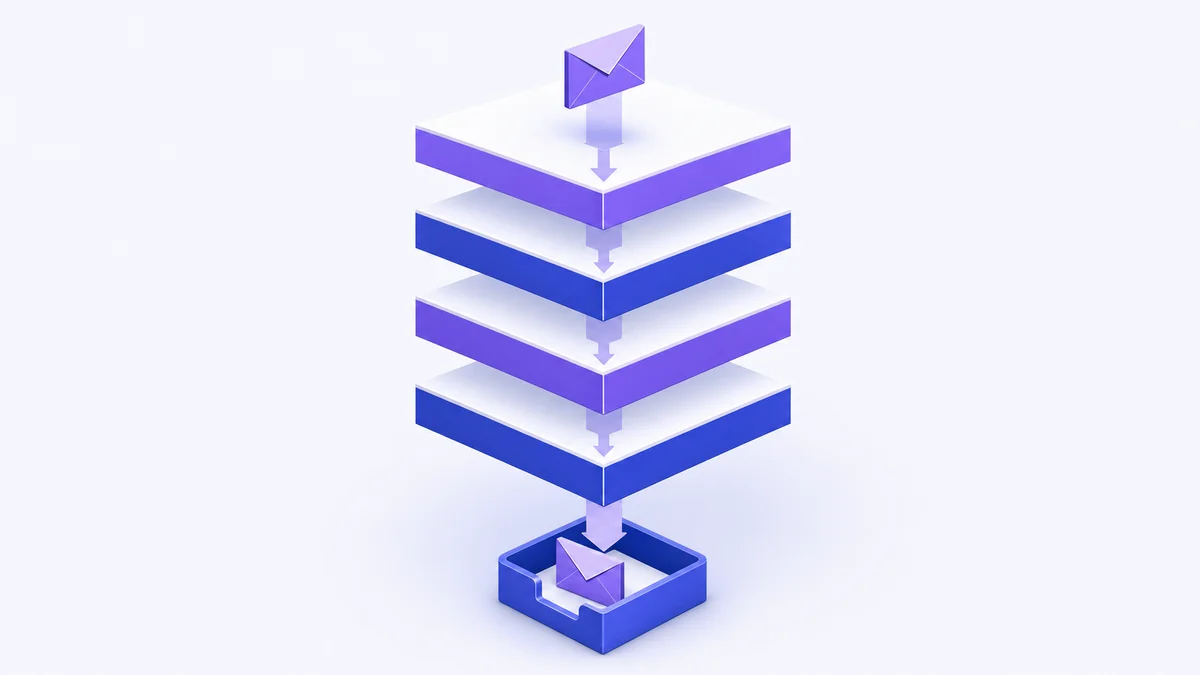
Before connecting a mailbox to any warmup or sequencer tool, verify that SPF, DKIM, DMARC, MX, and rDNS are correctly configured for the sending domain. Run a health check using a deliverability testing tool. Resolve every failure before moving forward. A domain that starts warmup with a broken DKIM record is warming a broken mailbox. Warmup will not compensate for the authentication failure.
Connect the verified mailbox to a dedicated warmup engine. Set a ramp plan that starts at a low daily volume, typically two to five emails per day, and increases according to the ramp curve your tool supports. A brand-new domain typically needs two to four weeks before it is ready for full campaign sends. During this period, the warmup engine is the only tool sending from that mailbox.
Three key decisions during warmup setup:
Warmup does not stop when campaigns start. The warmup engine continues running in the background. It maintains the sending pattern and engagement signals that protect the reputation built during the initial ramp. The sequencer sends to prospects on top of that foundation. Both tools share the mailbox's daily send capacity. Plan the combined volume before launch and confirm the total stays inside the current safe limit.
Once campaigns are live, inbox placement monitoring catches problems before they become blacklist entries. A workspace is the multi-mailbox management dashboard unit in skale.email that shows every connected mailbox's ramp status and health signals in a single view. A per-mailbox health view covering SPF, DKIM, DMARC, MX, rDNS, and blacklist status tells you whether the stack is holding. If placement degrades, the monitor surfaces it early enough to act: adjust volume, pause campaigns, or trigger spam recovery.
| Layer | Tool type | Job | When to run |
|---|---|---|---|
| Layer 1: Authentication | Pre-send testing tool | Verify SPF, DKIM, DMARC, MX, rDNS, blacklist | Before warmup starts; before every major campaign |
| Layer 2: Reputation | Dedicated warmup engine | Build sender history, generate replies, recover from spam | Continuously, from day one through live campaigns |
| Layer 3: Visibility | Inbox health monitor | Track inbox placement, catch degradation | From campaign launch onward |
| Top layer: Sending | Sequencer | Send outreach to prospects | Only after warmup period is complete |
A tool like skale.email combines the warmup engine and inbox health monitoring into one product, so testing, warmup, and monitoring share a single workspace rather than three separate logins. For teams managing multiple mailboxes or client accounts, a workspace that shows every mailbox's ramp status and health signals in one view is the difference between catching a problem early and discovering it from a client complaint.
If you are ready to build sender reputation for your cold outreach domains, try skale.email free for 15 days. No credit card required.
A complete cold email deliverability stack needs three tool types alongside the sequencer: a pre-send testing tool that checks SPF, DKIM, DMARC, MX, rDNS, and blacklist status before any campaign goes out; a dedicated warmup tool that builds sender reputation through a gradual ramp; and an inbox health monitor that catches placement problems before they compound. Bundled warmup inside most sequencers rarely matches the ramp control, multilingual content, or per-mailbox health visibility of a dedicated product.
The most common causes of cold emails missing the inbox are authentication failures (broken SPF, DKIM, or DMARC records), a cold domain with no sending history, and a sender reputation that was never built before campaigns launched. A pre-send testing tool catches authentication gaps before you send. A dedicated warmup tool builds sender reputation over two to four weeks. An inbox placement monitor then confirms whether real sends are landing in the inbox, spam, or being blocked.
Warmup works when paired with properly authenticated records, a gradual ramp plan, and clean list quality. skale.email's published guidance is direct: warmup improves sender reputation, but it cannot substitute for clean list quality or relevant copy. Done correctly, warmup builds the sending history ISPs need to trust a new domain. Done without fixing authentication or list hygiene first, results are limited. It is infrastructure, not a shortcut.
Yes, if both tools share the same mailbox and you do not account for combined volume. The warmup engine and sequencer both consume the mailbox's daily send capacity. The correct approach is to add both volumes together and confirm the total stays inside the ramp plan's current daily safe limit. Running both without a combined plan is the most common mistake that defeats warmup while campaigns are live.
If you send fewer than ten cold emails per day from an established mailbox with a clean sending history and no blacklist flags, a dedicated tool may be more infrastructure than your volume justifies. The investment pays off clearly when launching a new domain, scaling volume significantly, managing multiple client mailboxes, or recovering a flagged inbox. skale.email's own published guidance states that under ten cold emails a day from an established inbox, peer warmup might be enough.
skale.email supports Gmail and Google Workspace, Outlook and Microsoft 365, Zoho, Yahoo, and custom SMTP/IMAP configurations. The tool connects via OAuth or SMTP/IMAP credentials and is designed to work alongside any cold-email sequencer rather than replacing it.
Email deliverability for cold outreach is not one problem. It is three problems in sequence: authentication proving you are who you say you are, reputation built before any real prospect sees your name, and monitoring confirming the stack is holding as campaigns scale.
The Three-Layer Cold Outreach Deliverability Stack is the framework that keeps these three stages from collapsing into one another. Layer 1 catches broken DNS records before they waste sends. Layer 2 builds the sender history that ISPs need before they trust a new domain. Layer 3 confirms the first two layers are working once campaigns go live.
A sequencer sits on top. It handles outbound prospect sends. It does not replace the infrastructure underneath.
Practical takeaways for choosing the best email deliverability tools:
Your next step: Start a 15-day free trial of skale.email at skale.email and connect your first mailbox. No credit card required.
Reviewed by the skale.email editorial team. Author byline: Carlos Aguero, Chief Sales Officer, skale.email. LinkedIn URL pending confirmation before publication. skale.email is an email warmup and deliverability platform built for cold outreach teams and outbound agencies.