Primary Domain vs Cold Email Domain: How to Protect Your Main Domain
primary domain vs cold email domaincold email domain age checkercold email domain variations
Primary Domain vs Cold Email Domain: How to Protect Your Main Domain
Should you send cold email from your main domain? Learn why a separate sending domain protects your reputation, plus how to choose variations that don't look spammy.
Primary Domain vs Cold Email Domain: How to Protect Your Main Domain
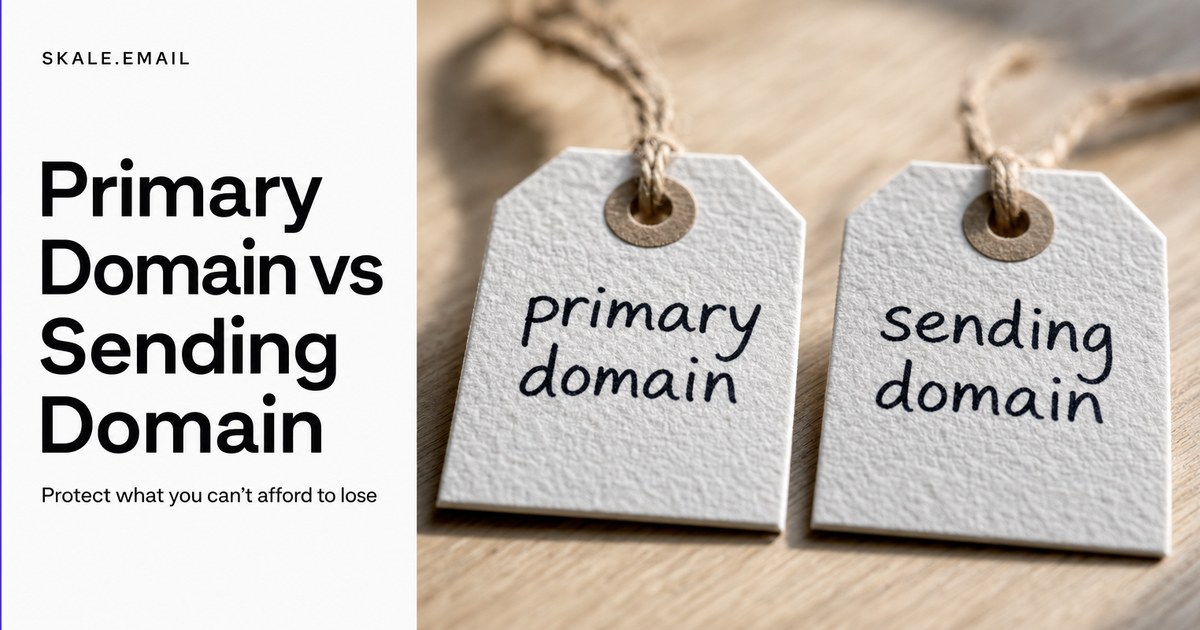
Sending cold email from your primary domain - the domain tied to your website, company email, and brand identity - puts your entire sender reputation at risk, and a single flagged campaign can degrade inbox placement for every email your business sends.
Most founders and sales teams discover this the hard way: one aggressive outbound push, one spam complaint spike, and suddenly even replies to warm prospects start landing in junk folders. The root cause is almost always the same - nobody separated the sending domain from the primary domain before the first batch went out.
This guide explains the difference between a primary domain and a cold email sending domain, what happens when the primary gets damaged, how to choose domain variations that don't raise filters, and what DNS records every sending domain needs before warmup begins.
Key Takeaways
Your primary domain controls inbox placement for all company email - cold outreach risk should never sit on it.
A dedicated sending domain absorbs deliverability risk and keeps your brand domain clean.
Safe domain variations use a short prefix or suffix on your brand name with a reputable top-level domain (.com, .co, .io).
Every sending domain needs SPF, DKIM, and DMARC records configured before warmup or live sending begins.
Domain age affects how aggressively inbox providers filter your first sends - plan at least 14 days between registration and warmup start.
Should You Send Cold Email from Your Primary Domain, or Use a Separate One?
Sending cold email from your primary domain - the domain tied to your website, company email, and brand identity - puts your entire sender reputation at risk. If a cold campaign triggers spam complaints or a blocklist flag, inbox placement for every email your company sends, including sales replies and support messages, can degrade. A separate sending domain absorbs that risk, keeping your primary domain clean.
Two physical domain name registration cards side by side on a desk
Your primary domain is the one your customers, partners, and team members already associate with you. When a recipient marks a message from it as spam, that signal is attached to the domain's reputation permanently. Internet service providers (ISPs) - Google, Microsoft, Yahoo, and others - maintain reputation scores per domain, and enough negative signals push your score below the threshold where even legitimate, welcome email starts filtering.
Cold outreach carries inherent risk that transactional or relationship email does not. You are contacting people who did not ask to hear from you. Even a well-written campaign will generate some spam complaints, unsubscribes, and ignored messages. That signal noise is acceptable on a dedicated sending domain - it is contained there. On your primary domain, it contaminates the reputation of every mailbox on the same domain.
Email type
Risk of spam complaints
Recommended domain
Cold outbound campaigns
High - recipients did not opt in
Dedicated sending domain
Sales replies and follow-ups
Low - prospect already engaged
Primary domain acceptable
Transactional (receipts, alerts)
Very low - expected by recipient
Primary domain recommended
Internal team communication
None
Primary domain only
The practical rule: if a recipient did not ask to receive your message, send it from a domain you can afford to lose reputation on.
What Happens When Your Primary Domain Gets Flagged
When your primary domain gets flagged, internet service providers lower its sender reputation score globally, meaning emails sent from any mailbox on that domain face tighter filtering. Recovery requires stopping outbound volume, resolving any blocklist entries, and gradually rebuilding sending history - a process that can take several weeks. During that window, legitimate business email from the same domain may land in spam alongside cold outreach.
Close-up of a DNS settings screen showing SPF, DKIM and DMARC records
The damage is rarely limited to the mailbox that triggered the problem. Reputation in modern email filtering is primarily domain-level, not mailbox-level. If your sales rep's mailbox on yourcompany.com gets flagged, the signal can affect support@yourcompany.com, invoices@yourcompany.com, and your own founder inbox on the same domain.
How reputation damage compounds
Blocklisting is one failure mode, but it is not the only one. Even without a formal blocklist entry, a domain with degraded reputation faces:
Higher spam-folder placement rates across all recipient mail providers
Lower engagement signals as fewer recipients see and open messages
Further reputation decline as lower engagement itself becomes a negative signal
Delayed recovery because rebuilding requires consistent, positive engagement over weeks, not days
skale.email's own site copy frames it plainly: teams lose weeks rebuilding reputation after a bad first send. That is not a worst-case scenario - it is the typical outcome when primary domain reputation degrades.
What recovery looks like
Recovery is not a single action. It involves:
Stopping all outbound cold email from the flagged domain immediately
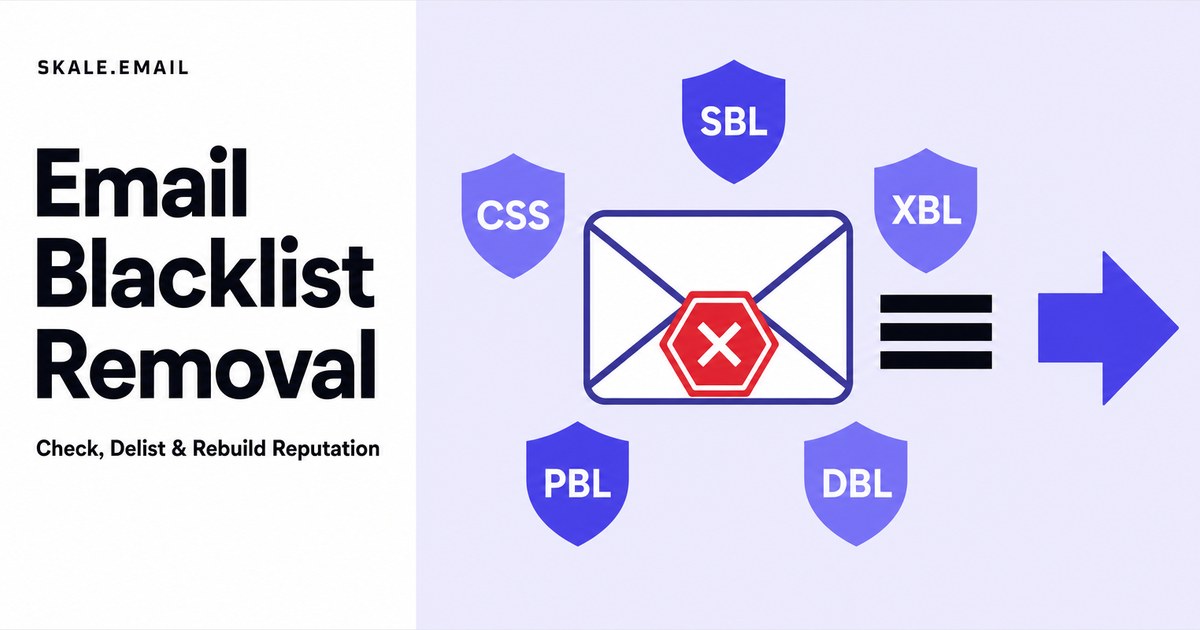
Checking the domain against major blocklists (Spamhaus, Barracuda, MX Toolbox)
Submitting removal requests to any blocklists that list the domain
Waiting for ISP reputation scores to reset, which typically takes two to four weeks of clean, low-volume sending
Gradually rebuilding send volume through a structured warmup process
Each of those steps costs time and, often, pipeline. The case for a separate sending domain is simply that it makes this scenario irrelevant to your primary domain.
What Domain Variations Should I Register for Cold Email So They Don't Look Spammy?
Cold email domain variations are alternate domain names registered specifically for outbound sending, built around your brand so recipients recognise who is writing. The safest variations add a short prefix or suffix to your company name - such as 'try', 'get', 'meet', 'hello', or 'hq' - and use a reputable top-level domain like .com, .co, or .io. Avoid hyphens, numbers, or generic words unrelated to your brand, which raise spam-filter suspicion.
Macro close-up of a domain name tag with variations written in ink
The goal with a sending domain variation is to be recognisable without being misleading. A recipient who receives an email from tryacme.co should be able to connect it to Acme without confusion - but the domain itself is not the one powering Acme's core business email.
Patterns that work
Pattern
Example (brand: Acme)
Why it works
try + brand
tryacme.com
Implies product trial, common and trusted
get + brand
getacme.com
Acquisition-oriented, clean
meet + brand
meetacme.co
Human, introductory tone
brand + hq
acmehq.com
Professional, corporate-feeling
hello + brand
helloacme.com
Approachable, common in SDR outreach
brand + team
acmeteam.co
Signals a real team behind the message
Patterns to avoid
Hyphens in the domain name (acme-sales.com): associated with low-quality or parked domains in spam-filter training data
Numbers in the domain (acme1.com, acme2024.com): a signal commonly seen in spam infrastructure
Generic unbranded words (best-email.com, prooutreach.io): no brand recognition, high filter suspicion
Long subdomains or sub-subdomain structures: these are rarely needed and add complexity without benefit
Country-code TLDs for markets you don't operate in (.ru, .cn, .xyz): associated with spam campaigns in most filter training data
How many variations to register
Register at least one domain variation per two to three active mailboxes. Most ISPs apply per-domain daily send limits as part of reputation management, so a single sending domain with too many mailboxes will hit practical volume ceilings before reputation issues arise. A common setup for a small outbound team:
One sending domain, two to three mailboxes, 30 to 50 emails per mailbox per day
One additional domain for a second campaign type or target market segment
An outbound agency managing multiple clients should treat each client as a separate domain group - client A's sending domain should never mix reputation with client B's.
How Many Sending Domains Do You Actually Need?
The number of sending domains you need depends on outbound volume and the number of active campaigns. A single founder sending 30 to 50 emails per day can typically operate from one sending domain with two to three mailboxes. An agency or sales team running multiple simultaneous campaigns should plan one domain per campaign type or client, each with its own set of warmed mailboxes, to limit cross-contamination if one domain is flagged.
A rough planning guide by team size:
Sender type
Daily send volume
Recommended domains
Mailboxes per domain
Solo founder / consultant
Up to 50/day
1 sending domain
2 to 3
Small sales team (2-5 reps)
50 to 200/day
2 sending domains
2 to 3 each
Outbound agency, per client
Varies
1 domain per client
2 to 4 per client
SDR team (5+ reps)
200+/day
3 or more sending domains
2 to 3 each
Domain redundancy is a practical safeguard. If one domain is flagged mid-campaign, a second warmed domain lets you keep outbound moving while the first recovers. Without a backup, a single flagged domain can stall an entire quarter's pipeline.
The DNS Records Every Sending Domain Must Have Before You Send
Every cold email sending domain requires three authentication records before any warmup or live campaign begins: an SPF (Sender Policy Framework) record that lists which mail servers are authorised to send on the domain's behalf, a DKIM (DomainKeys Identified Mail) record that cryptographically signs outgoing messages, and a DMARC (Domain-based Message Authentication, Reporting and Conformance) record that tells receiving servers how to handle failures. Without all three, modern inbox providers filter or reject messages regardless of content quality.
Calendar page with a domain age timeline marked in pen
Google, Microsoft, and Yahoo tightened bulk sender authentication requirements starting in 2024 and continuing through 2025, making SPF, DKIM, and DMARC non-optional for any domain sending more than a handful of messages per day. Missing any one of the three increases the probability of spam-folder placement substantially, even on a freshly warmed domain.
Setting up each record
SPF (Sender Policy Framework) is a TXT record added to your domain's DNS. It lists the IP addresses or mail services authorised to send on your behalf. A basic SPF record for a domain using Google Workspace looks like:
v=spf1 include:_spf.google.com ~all
DKIM (DomainKeys Identified Mail) requires generating a public/private key pair. Your email provider (Google Workspace, Microsoft 365, Zoho, or custom SMTP) handles the private key and gives you a public key to publish as a TXT record in DNS. The record name usually takes the form selector._domainkey.yourdomain.com.
DMARC (Domain-based Message Authentication, Reporting and Conformance) is a TXT record at _dmarc.yourdomain.com. A safe starting policy for a new sending domain:
p=none puts the record in monitoring mode - failures are reported but not yet rejected. Once you confirm SPF and DKIM are passing cleanly, tighten the policy to p=quarantine or p=reject.
Additional records worth checking
Beyond SPF, DKIM, and DMARC, a clean sending domain should also have:
MX records: even if the sending domain never receives real email, MX records establish it as a legitimate mail-capable domain
rDNS (reverse DNS): the sending IP's PTR record should resolve back to a hostname associated with your mail provider, not a generic cloud IP
A health check tool that covers all six - SPF, DKIM, DMARC, MX, rDNS, and blacklist status - before you start warmup will surface any gaps before they affect a live campaign. skale.email's deliverability monitoring surfaces these checks per mailbox so problems are visible before a send, not discovered after.
Who Should Not Use a Separate Sending Domain
A separate sending domain adds overhead - registration, DNS setup, warmup time, and ongoing health monitoring. Senders who send fewer than 10 cold emails per day from an established inbox with real sending history may not need one. Similarly, teams whose outreach is relationship-based or referral-driven, rather than cold, rarely hit the volume or risk thresholds that justify a dedicated sending domain.
Specifically, a dedicated sending domain is probably not worth the overhead if:
You are sending fewer than 10 cold emails per day from a mailbox with existing sending history
Your outreach is warm - referrals, event follow-ups, or existing contacts - rather than truly cold
You are a very small team where the primary domain already has years of strong reputation and low complaint rates
The administrative overhead of managing DNS records and a warmup schedule would consume more time than the risk mitigation is worth at your current volume
If you are in any of those situations, the marginal protection of a separate sending domain may not justify the setup cost. Start with a separate domain once outbound volume climbs or campaigns become genuinely cold.
Frequently Asked Questions
Does domain age matter for cold email, and how do I check how old my domain is?
Domain age matters for cold email because internet service providers treat newly registered domains as higher-risk senders by default. A domain that is less than 30 days old carries no sending history, so filters are aggressive from the first send. To check a domain's age, run a WHOIS lookup using a free tool such as whois.domaintools.com or lookup.icann.org and read the 'Creation Date' field. Allow at least 14 days after registration before starting warmup, and plan 4 to 8 weeks of warmup before sending real campaigns.
Do I need a separate sending domain if I only send a few emails a day?
Senders who send fewer than 10 cold emails per day from an established inbox with real sending history can often manage without a dedicated sending domain. A separate domain becomes important when volume rises, when outreach is truly cold rather than warm, or when the primary domain's reputation carries significant business value that cannot be risked on an experiment.
Can I use a subdomain of my primary domain for cold email instead?
Using a subdomain (for example, outreach.yourcompany.com) is better than using the root primary domain, but it is not as clean as a fully separate domain. Many ISPs evaluate the root domain's reputation alongside the subdomain, which means a flagged subdomain can still affect filtering for yourcompany.com. A completely separate domain - even a close variation of your brand - provides more reliable isolation.
How long does it take to warm up a new sending domain?
A new sending domain typically needs 4 to 8 weeks of warmup before it is ready for full cold email volume. The warmup process involves sending a low volume of emails that generate genuine positive engagement - opens, replies, marks as important - and gradually increasing that volume each week. Skipping or rushing warmup leaves the domain without a sending history, which means ISPs treat its first real campaign the same way they treat an unknown sender: with maximum suspicion.
The Short Version: Primary Domain vs Cold Email Domain
Your primary domain is the reputation asset that powers every email your business sends. Protecting it means keeping cold outreach off it entirely. A dedicated sending domain - built as a recognisable brand variation, authenticated with SPF, DKIM, and DMARC, and warmed before the first live campaign - absorbs the risk that comes with reaching people who did not ask to hear from you.
The setup takes an afternoon: register a variation, add DNS records, connect a mailbox, and start the warmup clock. The cost of not doing it is measured in weeks of recovery time and lost pipeline every time a campaign goes wrong.
If you are ready to warm up a sending domain properly, skale.email automates the ramp, monitors per-mailbox health signals - SPF, DKIM, DMARC, MX, rDNS, and blacklist status - and surfaces problems before they affect a live campaign.
Start protecting your primary domain today at skale.email.